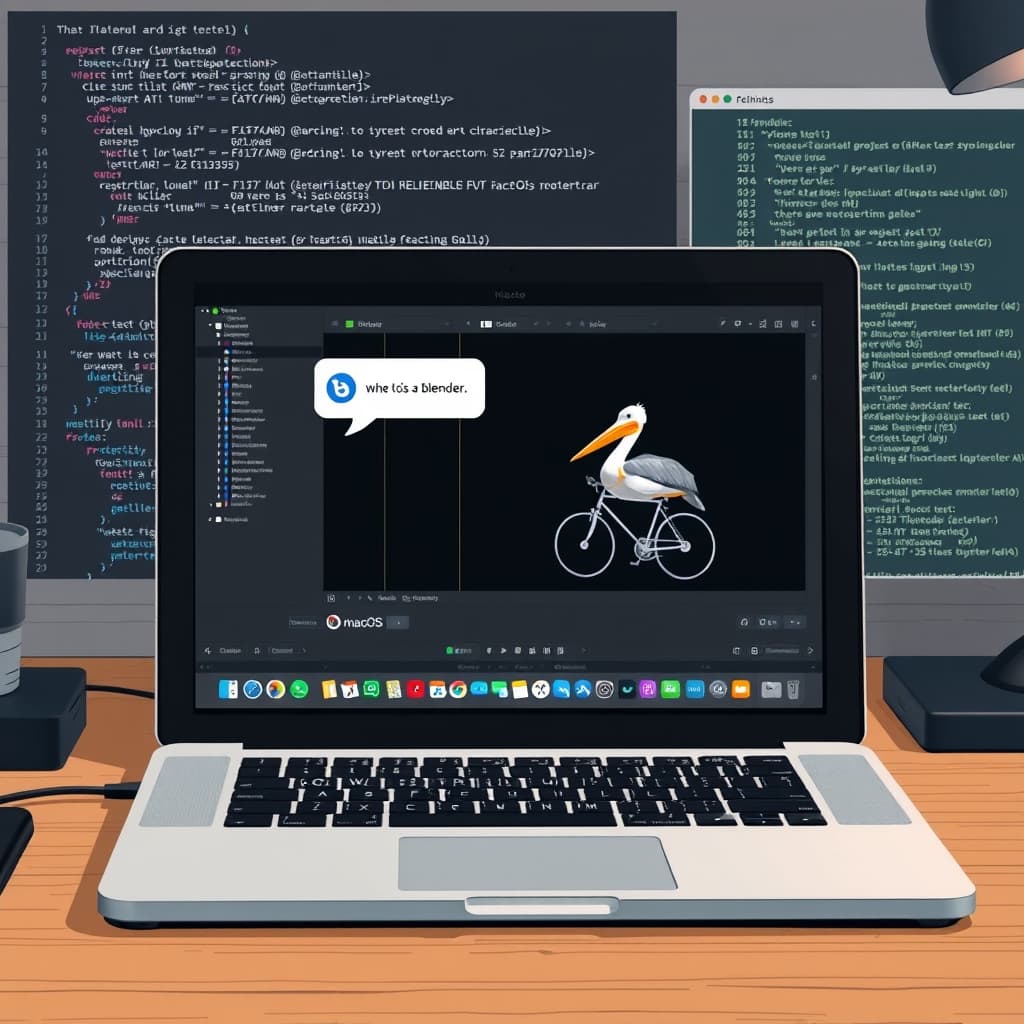
How to Run Blender via Coding Agents on macOS
Recent frontier language models have become proficient at generating Blender assets and scripts.
These models can output complete .blend files that are immediately editable in the Blender desktop application.
They can also trigger rendering pipelines that produce single images or full‑length movies by stitching frames together with ffmpeg.
Preparing the macOS Environment
The first step is to download and install the full Blender package from blender.org rather than a minimal command‑line version.
Once installed, the application resides at /Applications/Blender, which the coding agent can reference directly.
With the application in place, a prompt can be issued to the agent to invoke Blender’s Python API.
Prompt Sequence That Generates a Pelican on a Bicycle
The initial instruction used was: “Use the already install /Applications/Blender to render a scene of a pelican riding a bicycle.”
After the base scene was created, a follow‑up prompt added detail: “OK add a background and a lot of flair.”
A final refinement request read: “OK make it a whole lot better.”
The agent responded by producing a .blend file and then executing a render, delivering the image shown in the post.
The result was generated through Blender’s Python API, demonstrating that the language model can both author and run 3D code on macOS.
Implications for Creators and Developers
Because the workflow runs entirely on a local Mac, users retain full control over assets without needing cloud rendering services.
The ability to script complex scenes with natural‑language prompts lowers the barrier for artists who lack deep Python or Blender expertise.
Combining this capability with ffmpeg means that entire animation sequences can be produced end‑to‑end from a single conversational thread.
Simon Willison posted the demonstration on 5th September 2026 at 3:51 pm, indicating that the technique is already being shared within the developer community.
Tags such as “blender”, “coding‑agents”, and “gpt‑6‑astra” suggest that the underlying model belongs to the latest generation of large language models.
While the example focuses on a whimsical pelican, the same approach can be applied to product visualizations, architectural mock‑ups, or educational simulations.
Because the process leverages the native macOS application, it sidesteps the need for additional containerization or remote execution layers.
Developers can therefore integrate AI‑driven 3D generation into existing macOS pipelines, from game asset creation to marketing material production.
As the models continue to improve, the fidelity of generated geometry, textures, and lighting is expected to increase, further expanding practical use cases.
Overall, the demonstration confirms that coding agents can serve as a bridge between natural language and sophisticated 3D software on a personal computer.
Why This Matters: developers can now harness AI‑generated 3D assets directly within Blender on macOS, streamlining creative workflows.
This digest was compiled from:
Share this digest
People Also Ask
- AI‑driven incident response risks distancing engineers from their infrastructure
AI-driven incident response tools cut routine downtime but risk leaving engineers unpracticed for rare, high‑severity failures.
- GPT‑6 Astra’s Pelican SVG Test Shows Superior Visual Output Over GPT‑5.6 Models
The author’s side‑by‑side test shows GPT‑6 Astra produces clearer pelican SVGs at lower effective cost than GPT‑5.6 Sol, despite higher per‑token pricing.
- Google’s AI Mode lists identical products at an average 21.6% higher price than standard search
Google’s AI Mode shows identical products at about 22% higher prices than traditional search, with only 1.28% overlap in listings.
Share your thoughts
Reactions, corrections, or insights — all welcome.